
How to redeem codes in 8-Bit Tower Defense
Four write-ups agree: open the game, press the gear at the top right, find CODES, type into Enter a code, then press REDEEM.
| Symptom | What the sources say | Status |
|---|---|---|
| Nothing happens | Check letter case | 4 sources on the Settings path |
| Extra suffix | Use THANKSGIVING without the NEW badge | 2 independent publishers |
| Already used | Codes are described as one redeem each | Multiple code articles |
| Side button vs gear | 9to5Gaming differs; four others say Settings | Majority: Settings |

The four steps
GameRant, Pro Game Guides, Destructoid and the wiki describe the same path. I am following that majority. 9to5Gaming instead says to press a Codes button on the side of the screen. I am not teaching that path, because the other four accounts, including the longest wiki walkthrough, put the box inside Settings.
Under CODES, the same settings screen has a separate group reward marked CLAIM. The wiki says liking the game and joining the Pixel TD group pays 100 Gems and 1 Trait Reroll, once. That button is not a code.
- Launch 8-Bit Tower Defense on Roblox.
- Open the gear (Settings) at the top right.
- Find the CODES block and the Enter a code field.
- Type the code and press REDEEM.
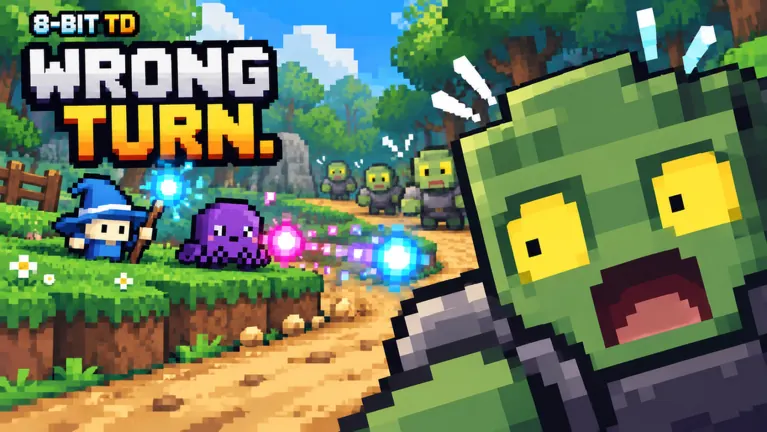
When redeem does nothing
The articles name four ordinary failures: the code is case-sensitive, a typed space does not match the source, each code works once per account, and an event or update can retire a code later. For THANKSGIVING, copy the code without a suffix: Destructoid and MrGuider agree on that spelling. The adjacent NEW label shown by Pro Game Guides is a badge, not part of the code.
Related guides
Questions
Where is the code box?
Settings, then CODES, then Enter a code, then REDEEM. That is the path shared by GameRant, Pro Game Guides, Destructoid and the wiki.
Is the group CLAIM a code?
No. The wiki describes it as a one-time 100 Gems and 1 Trait Reroll for liking the game and joining Pixel TD.
Sources
- MrGuider codes — checked 2026-11-15
- GameRant codes — checked 2026-11-15
- Pro Game Guides codes — checked 2026-11-15
- Destructoid codes — checked 2026-11-15
- 8bit-towerdefense.wiki — codes — checked 2026-11-15
- 9to5Gaming codes — checked 2026-11-15
How these notes are kept: editorial policy.